
Can Bavian manage a Google Ad Grants account?
Updated 23 October 2026
Yes. Bavian manages an Ad Grants account like any other Google Ads account. Tell it about the grant and Google's rules in Memory, and it keeps them in mind in its daily work, such as which keywords it adds and which bidding strategies it uses.
Tell Bavian it's a Grants account
- In Bavian, open Context in the menu, then the Memory tab.
- Paste the first text below, choose About my business and click Add.
- Paste the second text, choose A rule to follow and click Add.
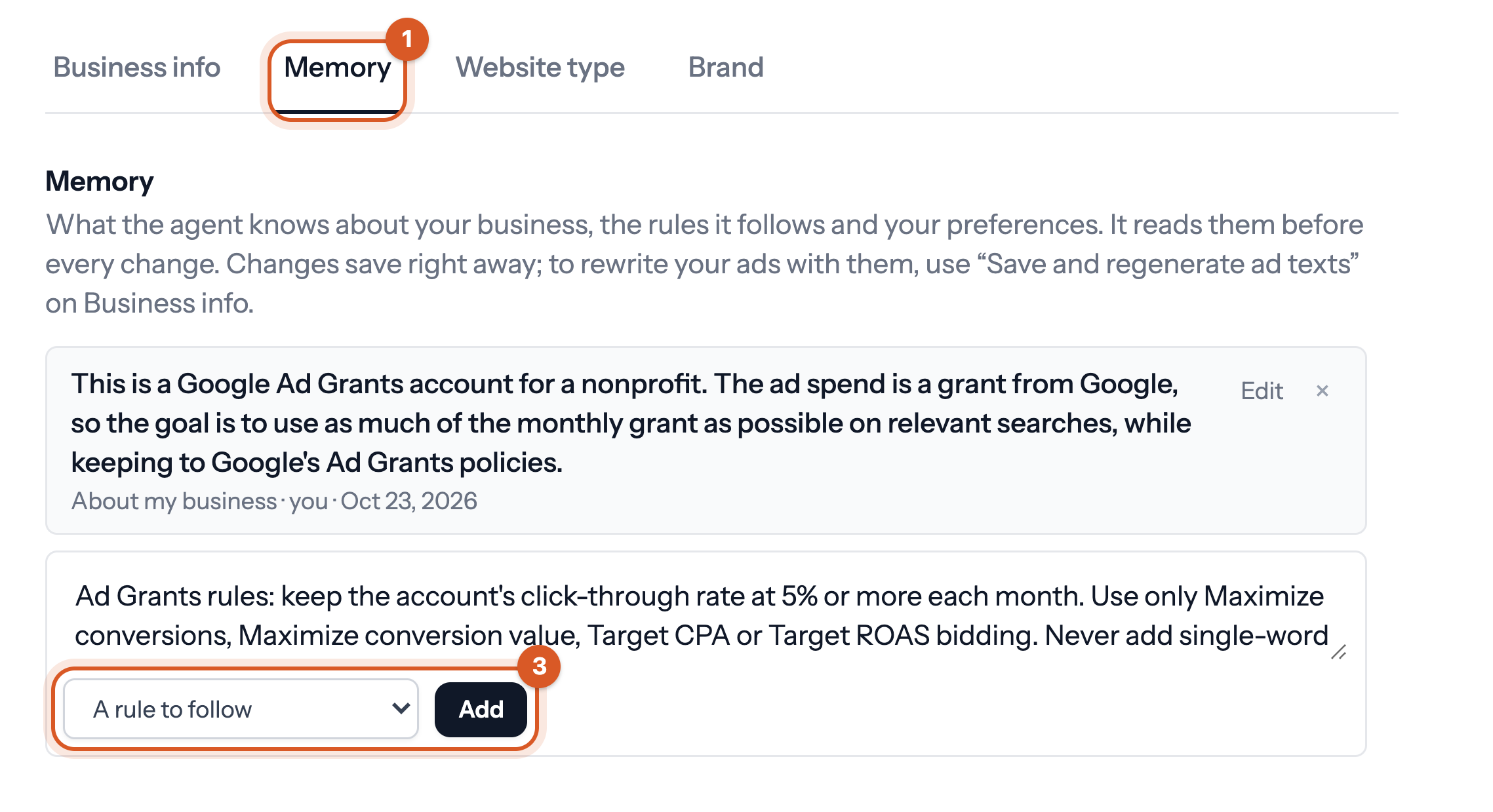
About my business:
This is a Google Ad Grants account for a nonprofit. The ad spend is a grant from Google, so the goal is to use as much of the monthly grant as possible on relevant searches, while keeping to Google's Ad Grants policies.
A rule to follow:
Ad Grants rules: keep the account's click-through rate at 5% or more each month. Use only Maximize conversions, Maximize conversion value, Target CPA or Target ROAS bidding. Never add single-word keywords, except our brand name. Pause keywords with a Quality Score of 1 or 2. Keep at least 2 ad groups in each campaign and at least 2 sitelinks.
Adjust the texts to fit your account. Google lists all the rules in its Ad Grants policy compliance guide.
Good to know
- Make sure your conversion tracking works before you start. Ad Grants requires it, and with reliable tracking, new Search campaigns from Bavian start on Maximize conversions. Otherwise they start on Maximize clicks, which Ad Grants doesn't allow. Bavian checks your tracking every day.
- Set your total daily budget to what your grant allows a day.
- The Autopilot subscription costs the same for a Grants account. See How much does Bavian cost?