
Can I send images or files to Bavian?
Updated 6 November 2026
Yes, images for your ads. You upload them to an ad group in Bavian. The chat on the Agent page takes text only.
Add an image to an ad group
- In Bavian, open Ad variants in the menu, and click the ad group's row to open it.
- Under Images, click Set image, or Add images if it already has some.
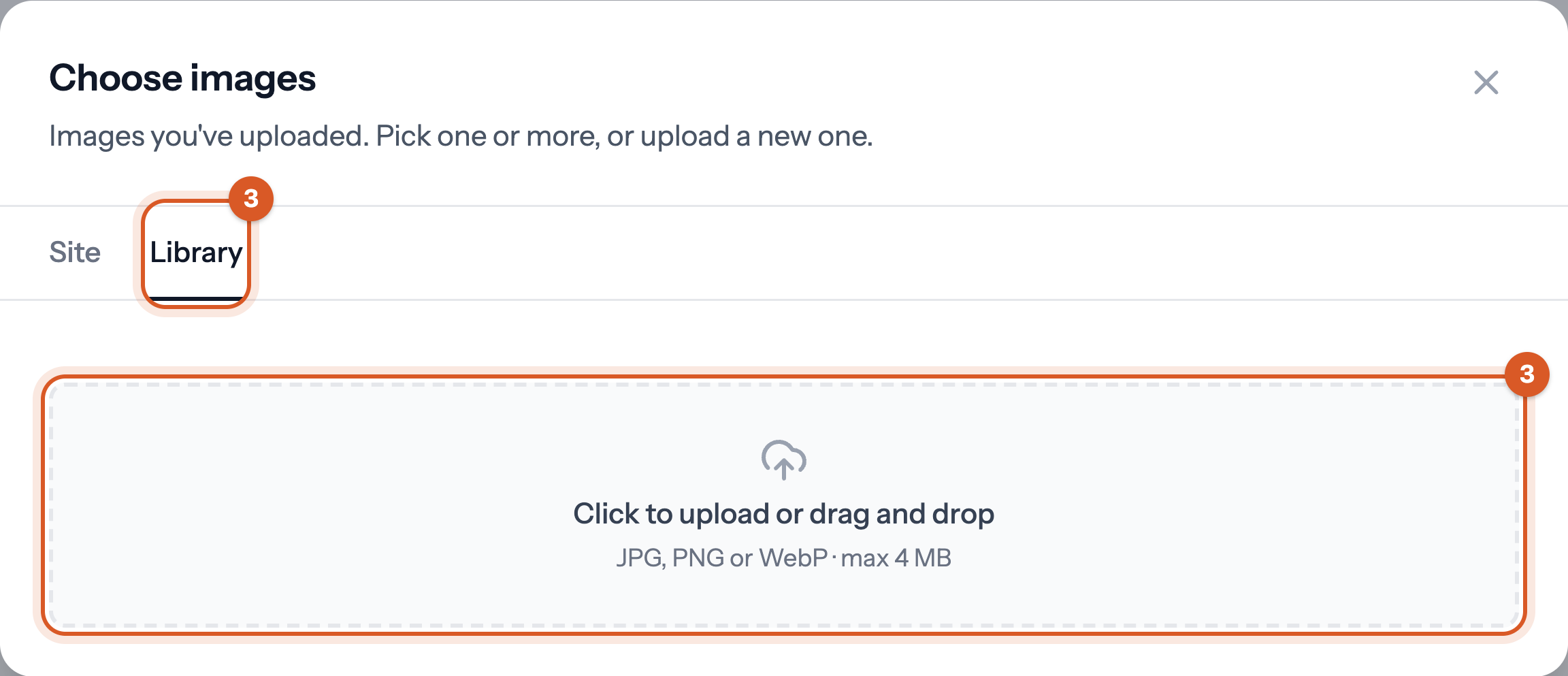
- Choose Library, click Click to upload or drag and drop and pick a JPG, PNG or WebP file.
- Select the image, click Continue, check the crops and click Add image.

Under Site, you can pick images from your own website instead. Google reviews each image before it shows, usually within a day.
Good to know
- Add videos to your campaigns in Google Ads.
- To show us something, such as an error, email a screenshot to support@bavian.com.