
Can I stop Bavian from changing my conversion settings?
Updated 23 October 2026
Tell Bavian in Memory which conversion counts, and it follows that rule. Without a rule, Bavian can change which conversion actions are primary or secondary, for example when one sale is counted twice.
Add the rule
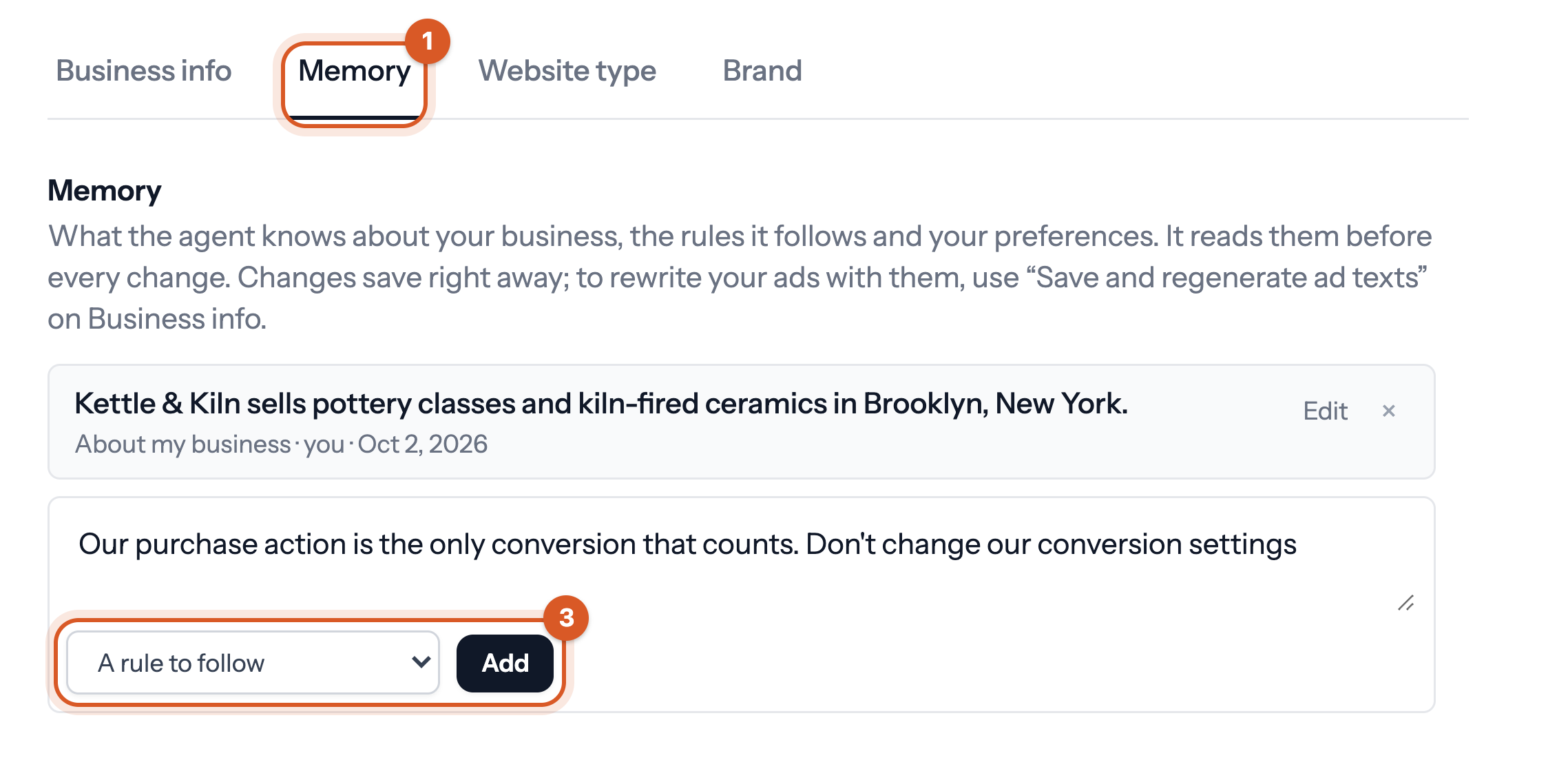
- In Bavian, open Context in the menu, then the Memory tab.
- Write the rule, for example "Our purchase action is the only conversion that counts. Don't change our conversion settings".
- Choose A rule to follow and click Add.
A rule guides Bavian, but it doesn't lock anything. If you want to approve every change the agent starts itself, you can switch to Approval mode. Our tip is to keep Autopilot on with your rule in place, so Bavian keeps working on the rest of your account.