
How to get started with Bavian
Updated 10 November 2026
Bavian's Autopilot runs your Google Ads every day, within the budget you set. You start on the Free plan: it takes about 2 minutes, and Bavian's AI writes an in-depth expert analysis of your Google Ads account.
1. Create your free Bavian account
Create your account on bavian.com. Sign up with Google or your email address. No card needed.
2. Connect your Google Ads account
Bavian asks you to connect Google Ads right away. Click Connect, choose your Google login and then your Google Ads account.
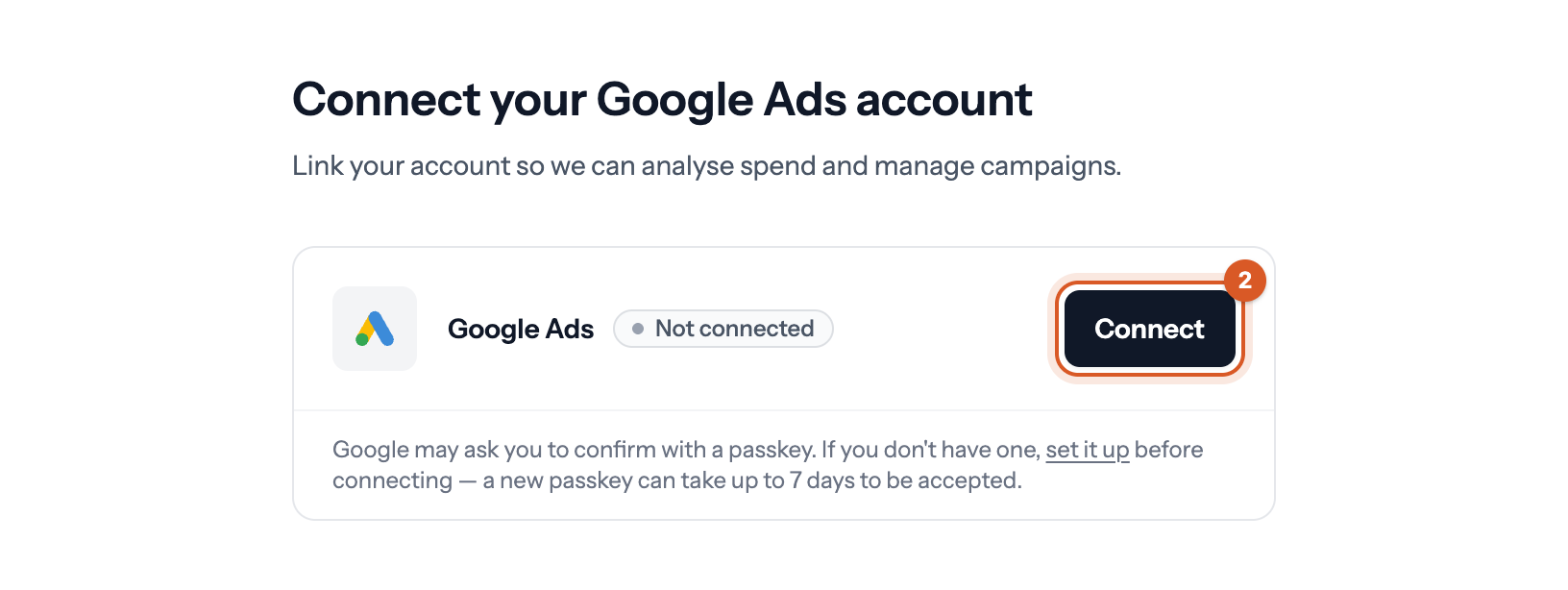
See How do I connect my Google Ads account to Bavian?
3. Read your expert analysis
Bavian's AI reads every campaign, keyword and search term in your account and writes its Initial analysis on the Insights page, usually in 10 to 30 minutes. The Summary runs to about 900 words. Switch to the Full analysis, several thousand words, for every detail.
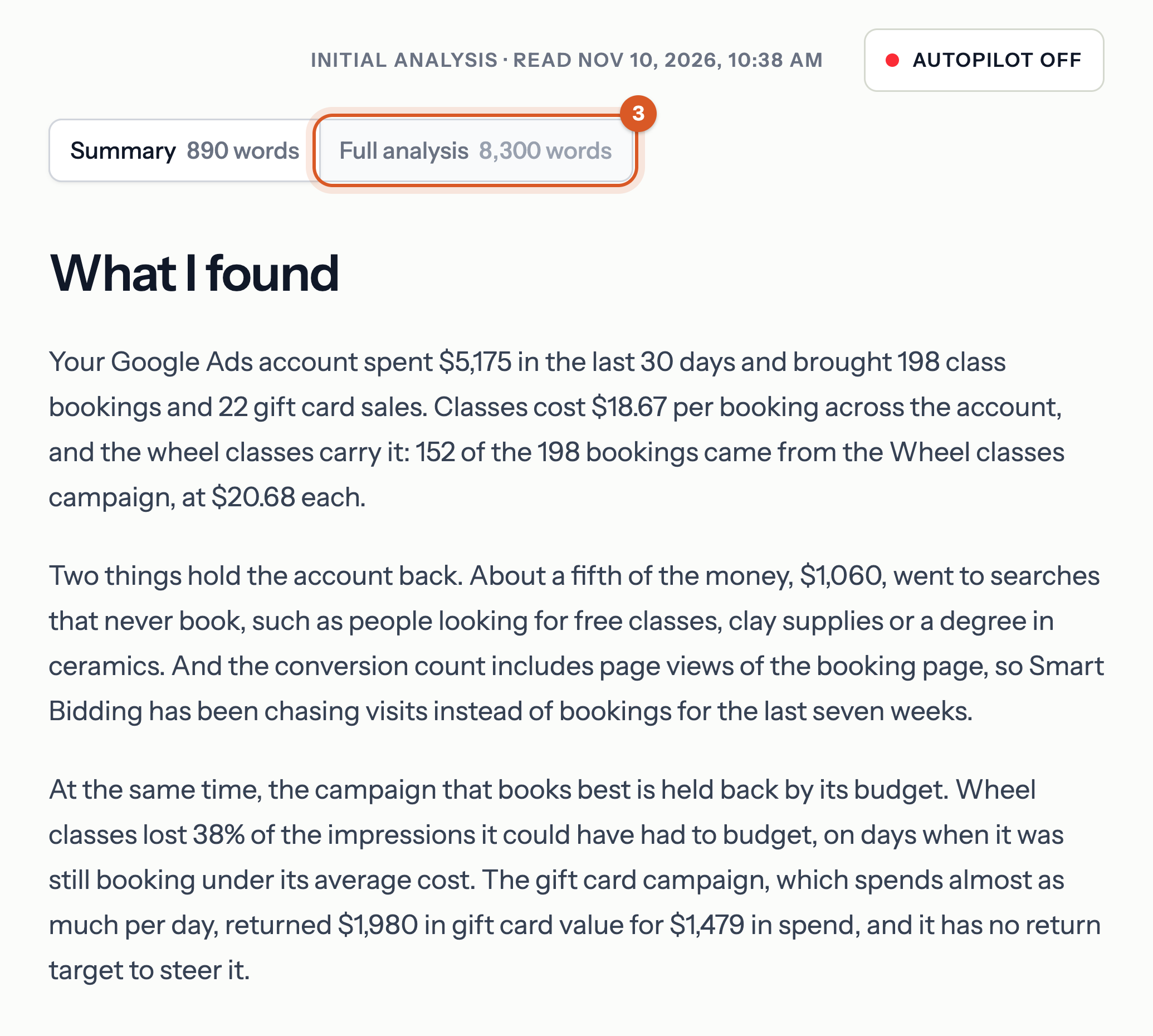
See What does the free Google Ads analysis include?
4. Turn on Autopilot
At the bottom of Insights, check your daily budget in the Start Autopilot box and click Turn on Autopilot. Autopilot costs $150 a month, excluding VAT.
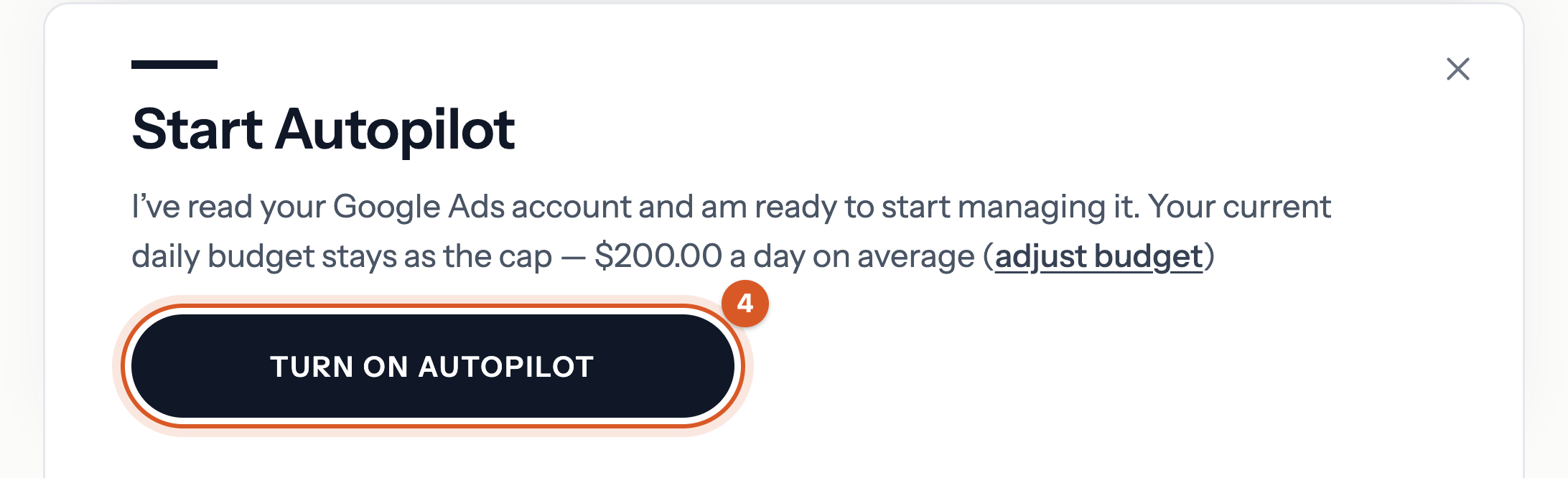
See How do I turn on Autopilot?
What Bavian does every day
Once Autopilot is on, Bavian works on your Google Ads account every day, within your total daily budget. When there's a reason to, it:
- moves budget to the campaigns that bring results, and sets the bidding targets that fit;
- blocks searches that waste money with negative keywords;
- turns searches that convert into new keywords;
- writes sharper ads, fixes the ones Google has rejected, and builds new campaigns when your account needs them.
You see every change, and why, on the Agent page.
Good to know
- Never run Google Ads before? See Can I start with Bavian if I have never run Google Ads before?
- Want us to guide you? Book a quick call, and we'll guide you while you have Bavian open on your own screen.